AccountingAdvice.co is an independent software support provider. We are not affiliated with, endorsed by, or acting on behalf of Sage Group plc.

AccountingAdvice.co is an independent software support provider. We are not affiliated with, endorsed by, or acting on behalf of Sage Group plc.
Follow expert instructions for installing Sage software on Windows or networks. Avoid errors and set up your accounting system with confidence.
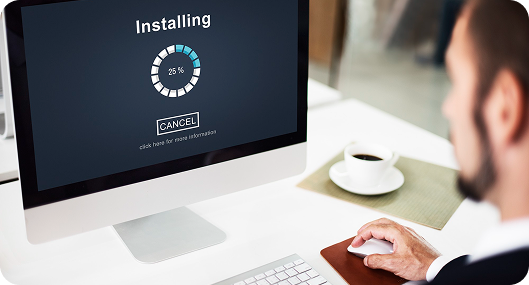
Installing Sage for the first time or on a new device? This guide gives you easy, step-by-step instructions. You’ll also find system requirements and helpful tips to avoid common setup mistakes

Businesses may need to change the installed version of Sage Continue Reading →

Canadian version of Sage 50 2023 provides enhanced functionality, such Continue Reading →

The process of Upgrading Sage 50 over to a new Continue Reading →

The Sage 50 Network Installation Manager is a software application Continue Reading →

Sage 50 users sometimes need access to different software releases Continue Reading →

Our team is here to help you resolve any Sage-related problems — quickly and reliably. Don’t let errors slow you down.

75 Arlington Street, Boston, MA-02116 United States
Disclaimer: AccountingAdvice.co is an independent, third-party technical support provider. We are not affiliated with, endorsed by, or sponsored by Sage Group plc or any of its subsidiaries. “Sage,” “Sage 50,” and related product names, logos, and trademarks are the property of Sage Group plc and are used on this site solely to identify the products we provide support for. Use of these names and logos does not imply any partnership, endorsement, or business relationship with Sage.
Get expert help for Sage 50 installation, migration, payroll, and error fixes.
Ensure smooth operations with quick, reliable accounting solutions.
 ChatGPT
 Perplxicity
 Claude
 Gemini
 Gork
Gork
